
 Loading...

GAME INSTRUCTIONS
Mouse controls:
- Pan the camera: left mouse click, hold and move
- Zoom camera in and out: mouse wheel
- Shoot: left click the player in possession, adjust power and release mouse button
- Jump: click a player not in possession, adjust power and release mouse button
- Focus camera on the player in possession: left double-click an empty area
- Reset loose football: left click the football
Keyboard controls:
- Adjust ball spin: +/-
- Focus camera on the player in possession: F
- Reset a loose football: R
- Cancel shooting or jumping: X (or Escape - warning: if you're in full screen, this will also exit full-screen)
- Toggle in-game HUD visiblity: H
- In-game Settings: P
Touchscreen controls:
- Pan the camera: tap and hold an empty area, then and move your finger across
- Zoom camera in and out: pinch
- Shoot: tap and hold the player in possession, move to adjust power then release the hold
- Jump: tap and hold a player not in possession, move to adjust power, then release the hold
- Focus camera on the player in possession: double-tap an empty area
- Reset loose football: tap the football
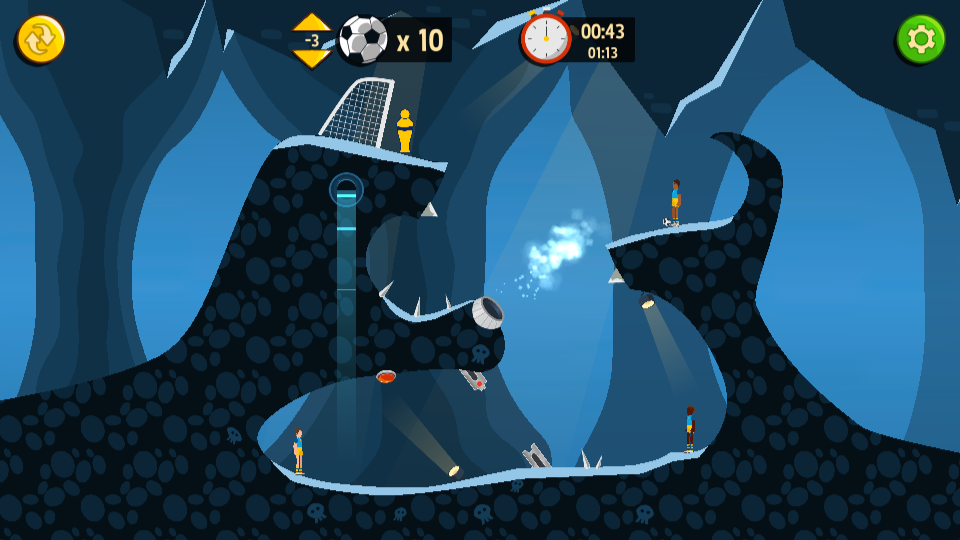
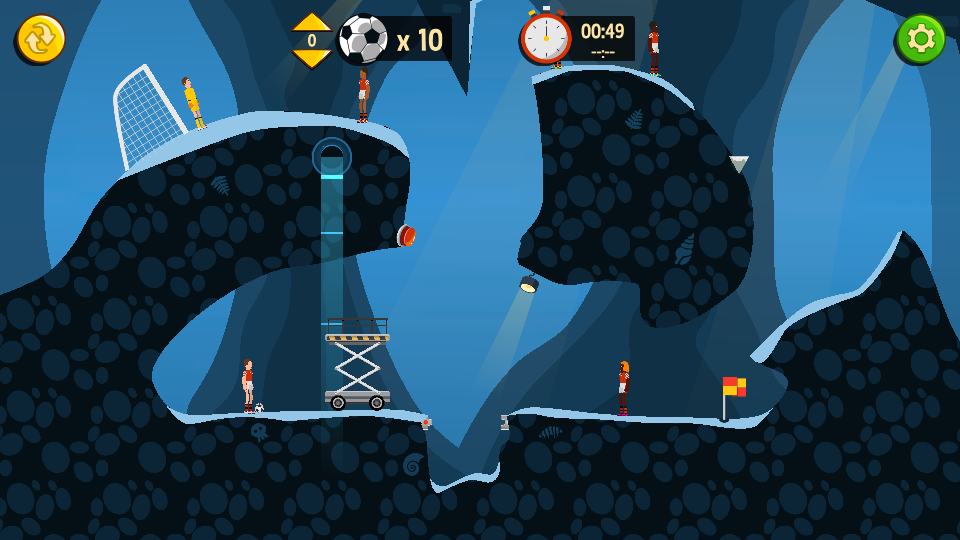
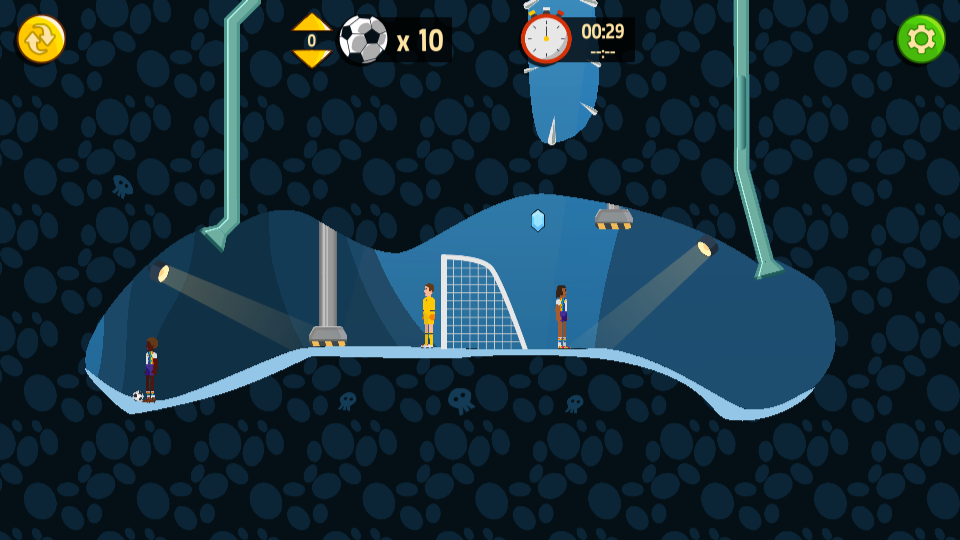
Additional instructions are provided through the in-game tutorial.
RELATED GAMES